

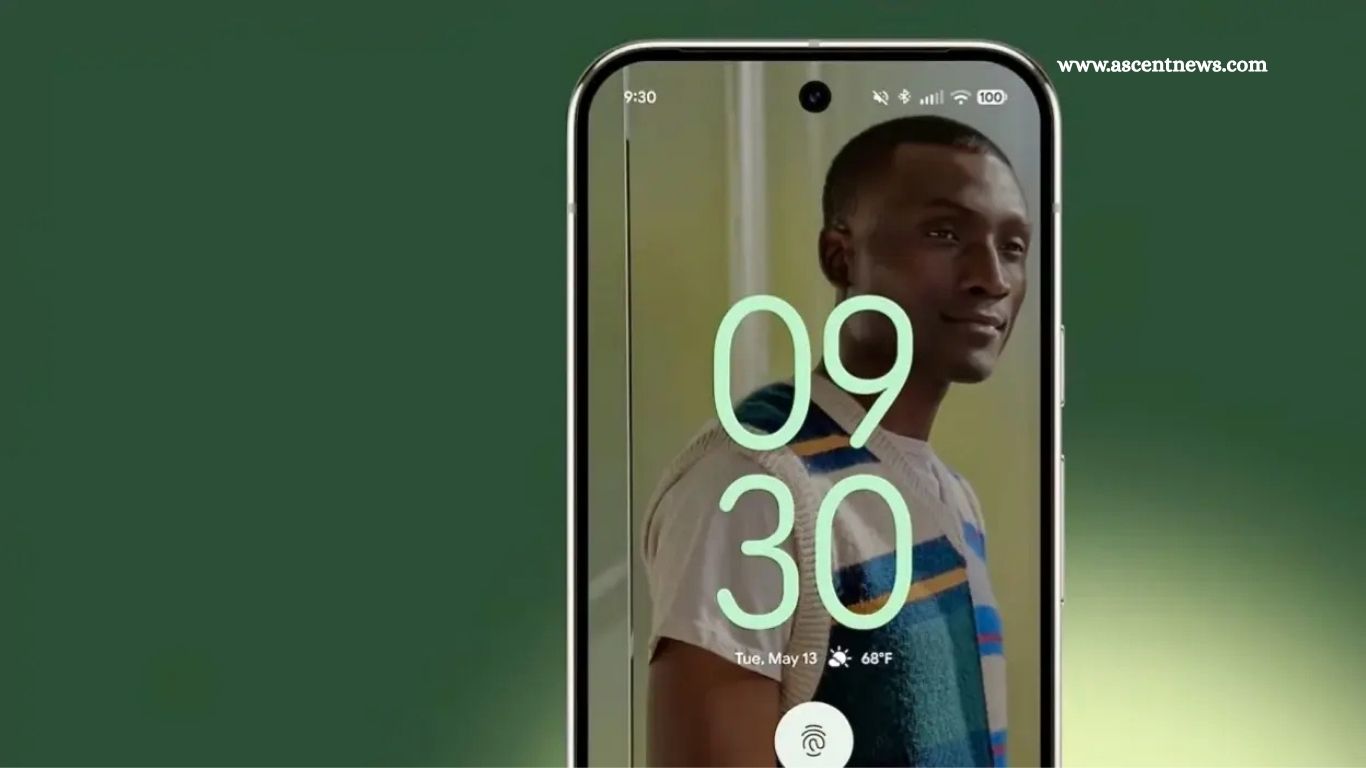
Google typically rolls out new Android versions in late summer or early fall, but Android 16 arrived ahead of schedule—and it’s already available. That means users with supported smartphones can expect the update soon.
Installing official updates is always smart. Along with new features, they deliver vital security patches to keep your device protected. While Google I/O 2025 and earlier developer previews gave us a glimpse of what’s coming, I’ve now had hands-on time with the final release.
If you’re debating the upgrade, these standout Android 16 features might be just what you need to hit that update button.
Material 3 Expressive

First up is Android 16’s refreshed Material 3 Expressive UI, the most noticeable visual change. This update brings adaptive, responsive elements like animated buttons and more vibrant, dynamic app controls. While functionality remains the same, the fresh visuals make interactions feel livelier and more modern.
Though subtle, these UI enhancements give Android 16 a distinct look and feel compared to Android 15—especially as more apps begin to adopt the new design language.
Read More: NFC Technology Gains Extended Range
Adaptive apps make foldables even cooler

Android 16 also introduces Adaptive Apps, a smart solution for optimizing app layouts across all screen sizes—especially useful in the era of foldables and tablets. While developers will need time to implement it, the goal is simple: apps will adjust seamlessly from phone screens to larger displays without losing functionality or looking cramped.
Instead of sticking to mobile-only UIs, Adaptive Apps allow interfaces to expand and reflow naturally, solving a key frustration with bigger screens. Once widely adopted, this feature will significantly enhance the user experience across devices.
Live update notifications (and stacked notifications)

Android 16 brings smarter notification upgrades, and they’re among my favorite changes this year. First is Live Update Notifications—also called “consistent progress notifications” in the API. These provide real-time updates without opening the app, perfect for tracking things like food deliveries or ride shares as they happen.
Second is auto-grouping notifications, which bundles multiple alerts from the same app into a single stack. This keeps your notification shade clean and reduces clutter—no more swiping away the same app’s pings over and over.
Desktop windows

Android 16 introduces a true desktop windowing experience, moving the OS closer to traditional desktop environments—especially on tablets and larger screens. While not fully rolled out yet, early access through the QPR1 Beta 2 showed promise and hinted at future compatibility with features like Samsung’s DeX mode.
Google also enhanced external display support, making it easier to use Android devices with monitors, keyboards, and mice. With full desktop mode on the horizon, Android 16 opens the door to a more versatile, PC-like experience across supported devices.
More security protections if you want them

Android 16 enhances security with powerful new tools designed to protect your data and privacy. One standout feature is Identity Check, which requires biometric verification—like a fingerprint—when accessing sensitive settings outside trusted locations. This helps prevent unauthorized access if your phone is lost or stolen.
Also new is Advanced Protection, a built-in security suite similar to Windows Defender. It detects harmful apps, blocks spam calls, and defends against online threats. Additionally, the Safety Check feature in the Personal Safety app allows users to schedule check-ins with loved ones, adding peace of mind when traveling alone or facing potential risks.
Better accessibility, especially for hearing aids

Android 16 delivers major accessibility upgrades, especially for users with hearing impairments. The call app now supports a wider range of hearing devices and improves compatibility with LE Audio, making in-call audio clearer and more accessible.
You can also use your phone as a microphone input for LEA hearing aids and control ambient volume directly. Plus, Auracast broadcast audio support enables Bluetooth LE Audio devices to connect to multiple sources—ideal for shared listening environments and accessibility.

Beyond accessibility, Android 16 brings subtle but useful touches like app drawer blurring, APV codec support, and Pixel-exclusive features such as hybrid auto exposure. While not the biggest Android update ever, it packs a solid mix of enhancements worth exploring right away.
Frequently Asked Questions
When was Android 16 released?
Android 16 launched earlier than usual, arriving ahead of Google’s typical late-summer release window. It’s already available for select devices and will roll out more broadly soon.
Which devices support Android 16?
Initially, Android 16 is available for recent Pixel models and select flagship Android devices. Wider availability will depend on manufacturers like Samsung, OnePlus, and Xiaomi in the coming months.
What is Material 3 Expressive UI in Android 16?
Material 3 Expressive UI brings dynamic, responsive visual updates to Android. Expect smoother animations, interactive buttons, and vibrant app controls that enhance the overall look and feel.
What are Adaptive Apps in Android 16?
Adaptive Apps allow apps to automatically adjust their layout for different screen sizes, such as phones, tablets, and foldables—solving a long-standing issue with mobile-only interfaces.
How do the new notification features work?
Android 16 introduces Live Update Notifications for real-time progress (like delivery tracking) and Auto-Grouping Notifications to neatly stack multiple alerts from the same app for a cleaner experience.
Does Android 16 support desktop mode?
Yes, Android 16 debuts a full desktop windowing system, especially for tablets and external displays. It improves multi-window support and works well with features like Samsung DeX.
What are the new accessibility features in Android 16?
Android 16 boosts support for hearing devices, including LE Audio enhancements, ambient volume controls, and Auracast broadcast audio for better accessibility in shared spaces.
Are there new security features in Android 16?
Yes, Android 16 includes Identity Check for location-based biometric verification and Advanced Protection, a built-in system that defends against malware, scams, and unsafe apps.
What other small features are worth noting?
Additional perks include app drawer blurring, APV codec support for better media playback, and Pixel-specific upgrades like hybrid auto exposure for improved photography.
Should I update to Android 16 now?
If your device supports it, yes. Android 16 offers enhanced design, better accessibility, smarter notifications, and improved security—all reasons to hit that update button.
Conclusion
Android 16 may not be the biggest overhaul ever, but it delivers meaningful upgrades that enhance usability, accessibility, and overall performance. From the expressive new UI and Adaptive Apps to smarter notifications, improved security, and better support for large screens and hearing devices, there’s something here for everyone.
If your device is eligible, this update is well worth installing. With more apps and features expected to adopt these improvements soon, Android 16 sets the stage for a more responsive, versatile, and user-friendly mobile experience.